WordPress Development
Custom WordPress builds for teams that want real content control without inheriting a slow, plugin-bloated theme.
WordPress has a bad reputation it mostly earned honestly — a huge share of the WordPress sites out there are running a page-builder theme stacked with forty plugins, each one adding its own script and stylesheet, until a simple marketing page takes six seconds to load and breaks the moment two plugins conflict.
None of that is actually WordPress's fault. The platform's real strength — letting a non-technical team manage content without filing a ticket for every change — gets buried under the accumulated weight of shortcuts taken to avoid custom development.
The result: teams that either tolerate a slow, fragile site because rebuilding feels risky, or abandon WordPress entirely for something that trades away the content-editing flexibility that was the actual point.
Algotrax builds WordPress the way it holds up in production — custom-coded, content-modelled around what editors actually need to change, without the plugin sprawl that gives the platform its reputation.
What's included
Custom theme development — no page-builder bloat, no 40-plugin dependency chain
Headless WordPress builds where a modern frontend is worth the extra setup
Content-model design so editors can actually manage the site without a developer
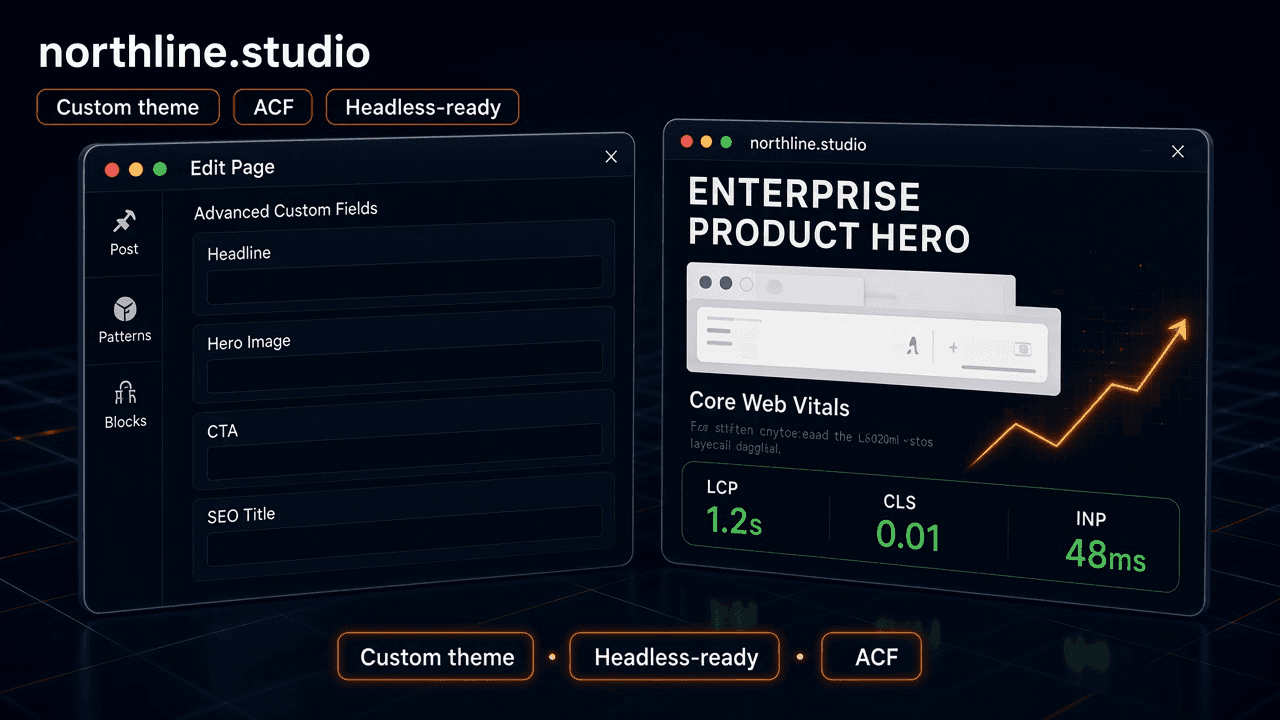
Core Web Vitals and speed optimisation — the most common WordPress complaint
Security hardening and update discipline post-launch
How it actually runs
Content model design
What editors actually need to change, mapped before any theme code — so the CMS fits the content, not the other way around.
Custom theme build
Hand-coded against the content model, no page-builder bloat, no inherited plugin dependencies from a theme marketplace.
Headless evaluation
Where a modern frontend framework is worth the extra setup — typically for speed or design flexibility beyond what template-based theming allows — scoped honestly against the added complexity.
Speed & Core Web Vitals pass
The most common WordPress complaint, solved at the architecture level, not with another caching plugin patching a slow build.
Security hardening
Update discipline and hardening set up before launch, not reactively after the first compromised site.
Built with
What most agencies get wrong here
Reaching for a plugin instead of fifteen minutes of custom code.
Every plugin is a maintenance liability and a script tag; a small, purpose-built function is often cheaper long-term.
Letting the page builder define the content model.
Content structured around what a builder's UI makes easy, not what actually needs managing, becomes unmanageable as the site grows.
Skipping update discipline until something breaks.
WordPress's plugin ecosystem is also its biggest security surface; deferred updates are deferred risk.
Recommending a full rebuild when the real problem is hosting or plugin bloat.
Not every slow WordPress site needs to be thrown out — sometimes it needs an audit and a cleanup.
How the engagement works
Most engagements start with an audit of the existing site — often the fix is a plugin cull and hosting change, not a full rebuild, and we'll say so honestly rather than recommending the bigger project.
A rebuild, where warranted, runs as a fixed-scope project against the content model agreed up front.
Ongoing update discipline and content-model evolution typically move to Maintenance & Support after launch, so security patches happen on schedule instead of after something breaks.
Once the rebuild ships, editors stop filing tickets for text changes, and Core Web Vitals stop being an embarrassment — the site does what WordPress was actually supposed to do for a content team.
Getting started is the audit — a look at the current site's theme, plugins, and speed profile to confirm whether a rebuild or a cleanup is the honest answer.
Tell us where wordpress development fits in, and we'll reply within a day.
- A real person reads this, not a queue
- No discovery call required to get a straight answer
- Tell us to go away and we will — no drip sequence
Questions worth asking first
When the honest answer is that a marketing/content team needs to self-edit constantly and doesn't want to file a ticket for every text change. WordPress earns its place there — we just build it without the bloat that gives it a bad name.